Upload 3D Design for Printing: A Step-by-Step India Guide
If you already have a 3D model sitting on your laptop, you don’t need to figure out printers, filament, or settings yourself. You can simply upload 3D design for printing through 3DPrintShop.in and have it printed in multi-colour PLA or PETG and shipped to your door anywhere in India. This guide walks through the file formats we accept, how to prepare a print-ready file, what to do if you only have an idea or a picture instead of a file, and the exact steps to place your order.
Who This Guide Is For
This is for anyone who wants to 3d print your own design — students with a CAD project, engineers with a functional part, hobbyists with a downloaded model, or businesses that need custom 3D printed parts in India for prototypes, spares, or branded merchandise. If you already have a file ready, you’re closer than you think. If you don’t, don’t worry — we cover that further down.
Supported File Types for Your 3D Design
Most 3D printing services, including ours, work primarily with mesh files rather than native CAD files. The most common and safest formats to send are:
- STL — the standard for stl file printing India orders. Universally supported and the format we recommend by default.
- OBJ — useful when your model includes multiple colours or textures mapped to different parts of the mesh.
- STEP or STP — solid CAD formats that work well for precise mechanical or functional parts. We can convert these before printing.
- 3MF — a newer format that can carry colour and material information alongside the geometry.
If your design lives inside CAD software (Fusion 360, SolidWorks, Blender, Tinkercad, and similar tools all support this), simply export or “save as” using one of the formats above before uploading.
How to Prepare a Print-Ready File
A file that looks fine on screen doesn’t always print cleanly. A little preparation before you upload saves back-and-forth later and gets your order moving faster.
Make Sure the Mesh Is Watertight
Your model needs to be a closed, watertight (also called “manifold”) surface — meaning there are no gaps, holes, or flipped faces in the mesh. An open mesh confuses the slicing software and can cause printing errors. Most CAD tools have a built-in check for this (sometimes called “mesh repair” or “solid verification”) — it’s worth running before you export.
Keep Wall Thickness in Mind
Very thin walls or fine details may not survive the printing process, especially on small or delicate designs. As a general rule, avoid unsupported walls that are extremely thin relative to the overall size of your model. If a section looks fragile on screen, it will likely be fragile in print too — thickening it slightly usually solves the problem.
Check Scale and Units
3D files don’t always carry consistent unit information, so a model designed in inches can sometimes import as if it were in millimetres, resulting in a wildly wrong size. Before you upload, double-check the real-world dimensions you expect the final print to be, and mention them clearly in your order notes so there’s no ambiguity.
Simplify Where Possible
Overly complex meshes with millions of unnecessary polygons can slow down processing without adding visible detail. If your software allows it, a light decimation or clean-up pass keeps the file manageable while preserving the shape.
Only Have an Idea or a Picture? Here’s What To Do
Not everyone starts with a finished 3D file, and that’s completely fine. If you have a rough idea, a reference photo, or a 2D image you’d like turned into a physical object, you don’t need to learn CAD software first.
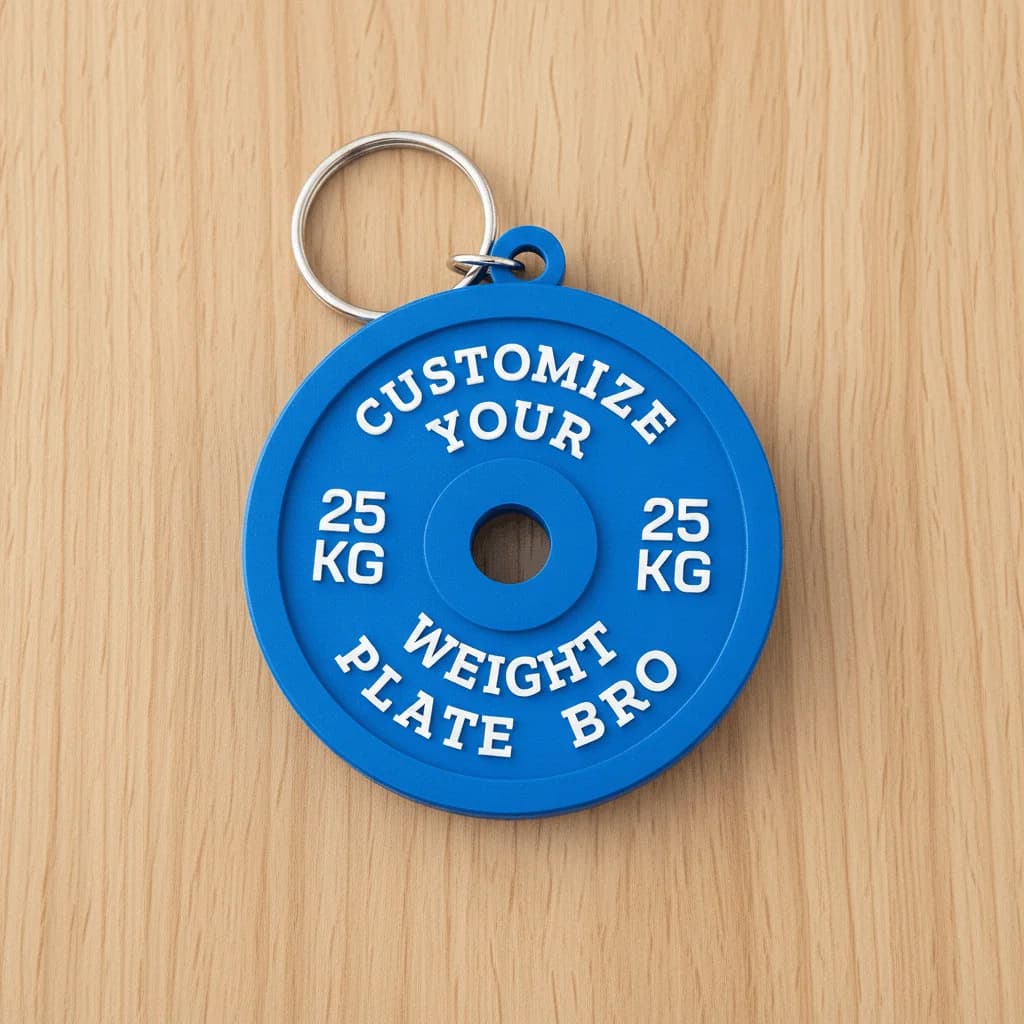
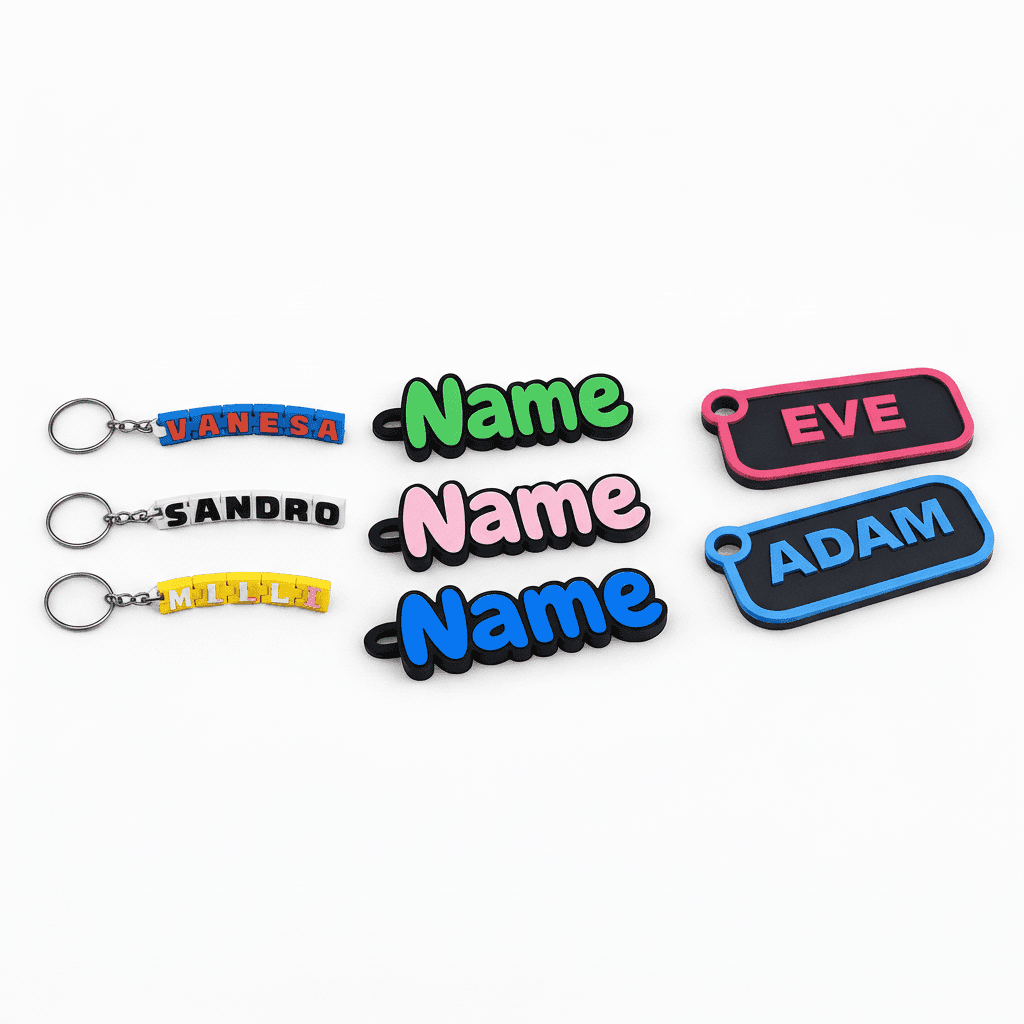
- Use the Customize tool to personalize text, names, and colours on our existing designs — ideal for gifting, nameplates, and keychains without needing any file at all.
- For anything more specific — a part you need replicated, a concept sketch, or a photo reference you want modelled — head to Custom 3D Printing and share your idea or image with us directly. Our team can guide you on turning it into a printable design and get back to you with feasibility and next steps.
Either route means you can still 3d print your own design even if “design” today just means an idea in your head.
Choosing Material and Colour
We print using FDM technology in PLA and PETG, both with multi-colour capability, so your upload doesn’t need to be limited to a single shade.
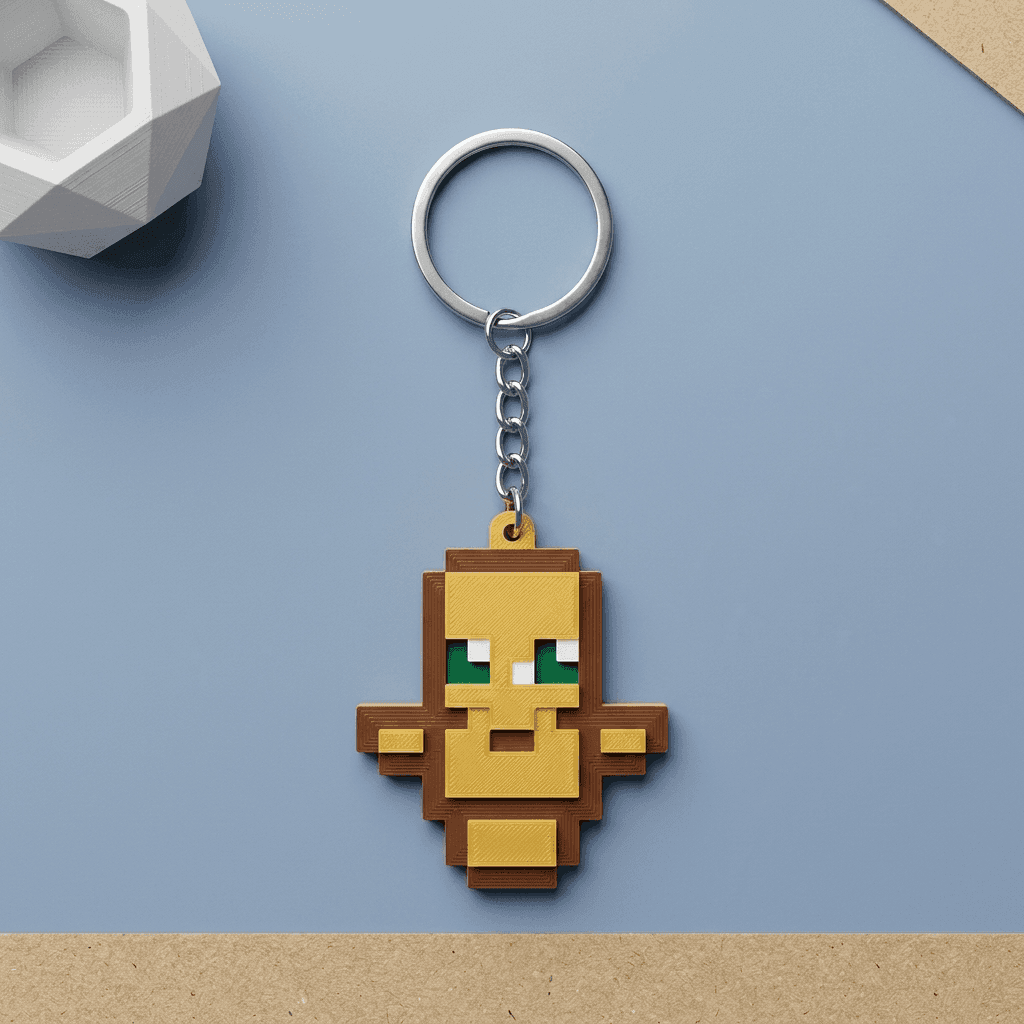
- PLA is a great everyday choice for decor, keychains, desk pieces, pooja items, and display models — easy to print with crisp detail.
- PETG suits parts that need a bit more durability and resistance to everyday wear, such as functional fittings or frequently handled items.
If you’re unsure which material fits your use case, mention what the part is for when you upload — general guidance is part of the process.
Step-by-Step: How to Get Your Design Printed
- Prepare your file — export as STL, OBJ, STEP, or 3MF and confirm it’s watertight with correct scale.
- Go to Custom 3D Printing — visit 3dprintshop.in/custom-3d-printing and upload your file along with any notes on size, material, colour, and quantity.
- Get confirmation — our team reviews the file for printability and confirms details with you before production begins.
- Pay securely — checkout via PayU (UPI, cards, NetBanking), or choose Cash on Delivery where available.
- Track and receive — your custom part is printed and shipped pan-India to your address.
If you’d rather browse ready-made pieces instead of starting from scratch, our shop has a wide range of 3D printed products across home decor, gifting, gaming, and workspace categories, many of which can also be personalized.
Frequently Asked Questions
What is the best file format for 3D printing my design?
STL is the safest and most widely used format for stl file printing India orders. OBJ and 3MF work well when colour information is part of the model, and STEP files are suitable for precise CAD-based parts.
Can I place a 3d print online order without any design file?
Yes. If you don’t have a file, use the Customize tool for text and colour personalization on existing designs, or share your idea or reference image through Custom 3D Printing and our team will help take it forward.
How do I know if my file is print-ready?
Check that the mesh is watertight (no holes or gaps), that wall thicknesses aren’t too thin for the size of the object, and that the scale and units are correct. Most CAD software includes a repair or validation check for this before export.
Do you print custom 3D printed parts for businesses in India?
Yes, we handle custom 3D printed parts for individuals, students, and businesses, including prototypes, spares, and branded pieces. Upload your file through Custom 3D Printing with your requirements and we’ll take it from there.
Ready to get your own design printed? Upload your file now, or explore the Customize tool and our shop if you’d like a head start with an existing design.